What Is Change Data Capture (CDC)?
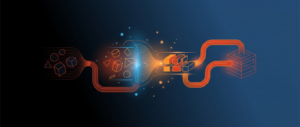
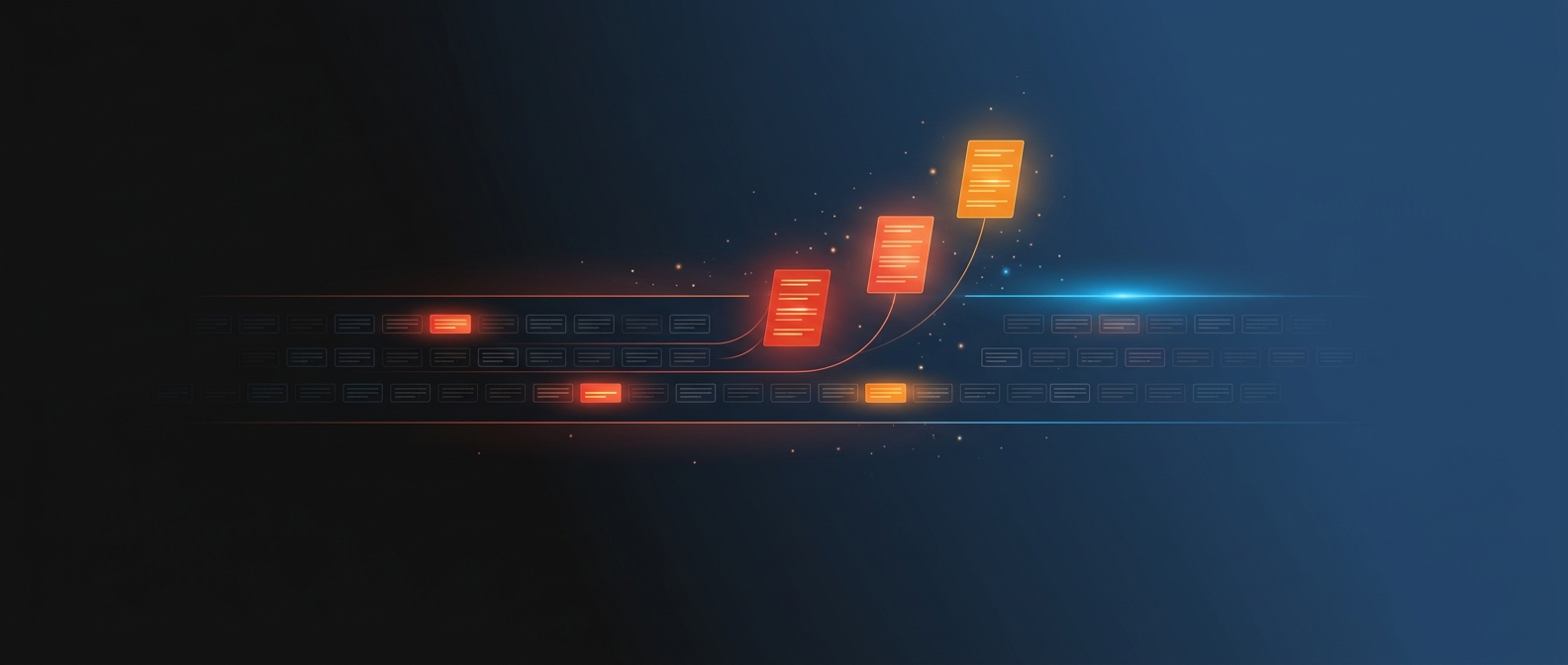
Change data capture, or CDC, is a technique that identifies the rows that have changed in a source system since the last time it was read, and passes only those changes downstream. Instead of copying an entire table every night, a CDC pipeline captures the inserts, updates, and deletes that actually happened and applies just those to the target. The result is data that stays current with far less work than a full reload.
CDC is one of the foundational techniques in modern data pipelines. As source systems grow to millions of rows, reloading everything on every refresh stops being practical. CDC keeps the analytics environment in step with the source by moving only what changed, which is both faster and lighter on the source system.
Why CDC Matters
Two pressures make CDC valuable. The first is volume. A full nightly reload of a large ERP table can take hours and strain the source database. Capturing only changes turns that into a job that finishes in minutes. The second is freshness. Because CDC moves small change sets, it can run frequently, which lets analytics reflect the business closer to real time than a once-a-night full reload allows.
CDC also preserves history in a way full reloads do not. Because it captures each change as it happens, a CDC pipeline can record not just the current state of a record but how it got there. That history is what makes accurate trend reporting and point-in-time analysis possible.
How Change Data Capture Works
There are a few common approaches, which differ in how they detect change:
Log-based CDC. The pipeline reads the source database’s transaction log, the same record the database keeps of every change it makes. This is the most efficient and lowest-impact method, because it does not query the source tables directly and catches every change including deletes.
Timestamp-based CDC. The pipeline relies on a “last modified” column to find rows changed since the last run. It is simple to set up but misses hard deletes and depends on every change updating the timestamp.
Trigger-based CDC. Database triggers write a record to a change table whenever a row changes. It captures everything but adds overhead to the source system, which makes it less suitable for high-volume transactional databases.
Whichever method is used, the captured changes flow into the target, a data warehouse or lakehouse, where they are applied so the target reflects the current source state while retaining the history of how it changed.
CDC in Enterprise Analytics
For analytics on ERP data, CDC is what makes frequent refresh practical. ERP systems like JD Edwards, NetSuite, and Vista hold large transaction tables that change constantly. Capturing only the changed vouchers, invoices, or orders keeps the analytics environment current without reprocessing the entire history every night.
CDC pairs naturally with the incremental load pattern in a lakehouse. Tools like Fivetran and the native capabilities in Microsoft Fabric and Databricks use CDC to land changes efficiently, then process them through the data model. This is how an enterprise moves from once-a-night reporting toward data that refreshes every few minutes where the business needs it.
Common Challenges and Best Practices
- Prefer log-based CDC where possible. It is the most complete and the lightest on the source. Timestamp methods miss deletes and depend on disciplined source data.
- Handle deletes deliberately. Decide whether a deleted source row should disappear from analytics or be marked inactive. Soft-delete handling matters for accurate history.
- Plan for schema changes. When a source adds or changes a column, the CDC pipeline has to adapt. Build in a way to evolve the schema without breaking the flow.
- Monitor lag. CDC promises freshness, so track how far behind the target is from the source and alert when lag grows.
- Preserve history where it has value. CDC can feed the slowly changing dimension patterns that keep a record of how data looked over time. Use that for trend and point-in-time reporting.
Frequently Asked Questions
What is the difference between CDC and batch processing?
Batch processing is the timing pattern of running a pipeline on grouped data on a schedule. CDC is a technique for detecting what changed so the pipeline only moves those changes. CDC often runs inside a batch or micro-batch pipeline, making each run far smaller and faster.
Does CDC give real-time data?
CDC enables near real-time data because it moves small change sets that can be applied frequently. Whether the result is truly real time depends on how often the pipeline runs, but CDC removes the volume barrier that makes frequent refresh impractical with full reloads.
Which CDC method is best for ERP data?
Log-based CDC is usually best for high-volume ERP databases because it is complete and has the least impact on the source system. The right choice depends on the source database and what change-tracking it supports.
CDC and QuickLaunch’s Approach
QuickLaunch Analytics builds automated data pipelines as the first of its three data foundations, using change data capture and incremental loads to keep enterprise application data current efficiently. The pipelines move only what changed from JD Edwards, NetSuite, Vista, and other sources into a governed lakehouse, so reporting stays fresh without reprocessing full history, on a foundation refined across 250+ enterprise implementations.
About the Author